Blur Steam Gift
Description
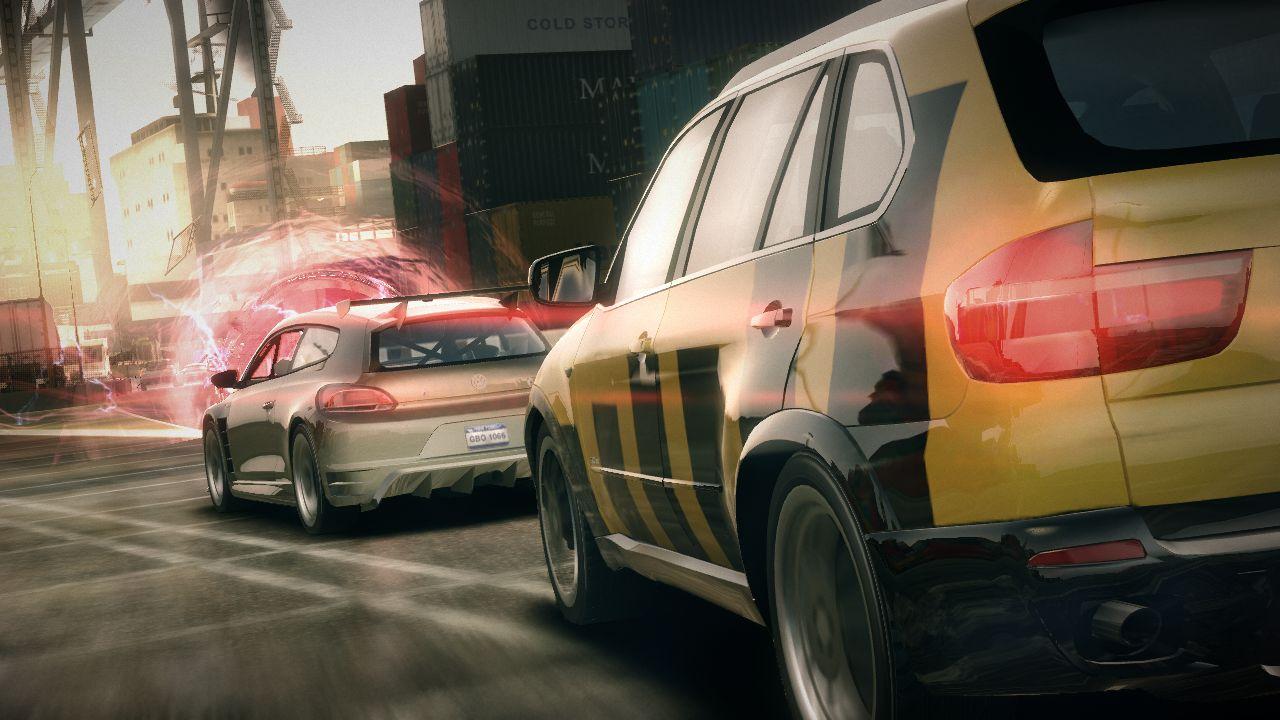
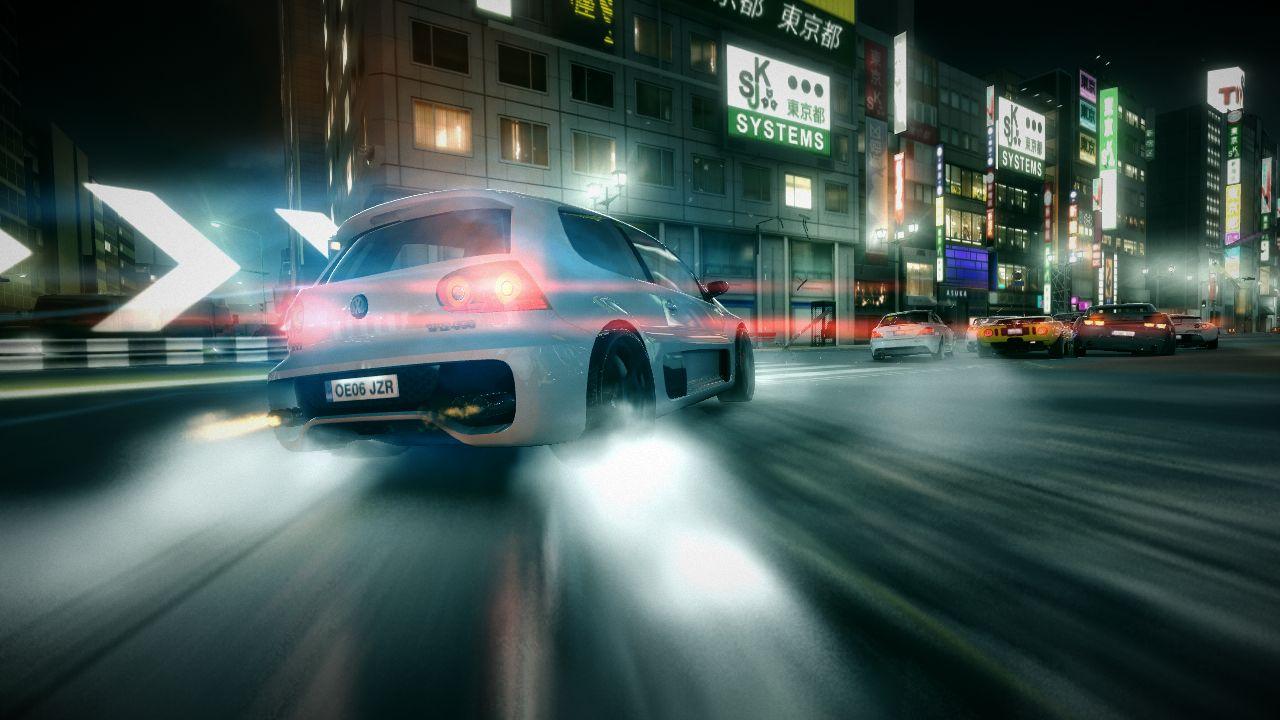
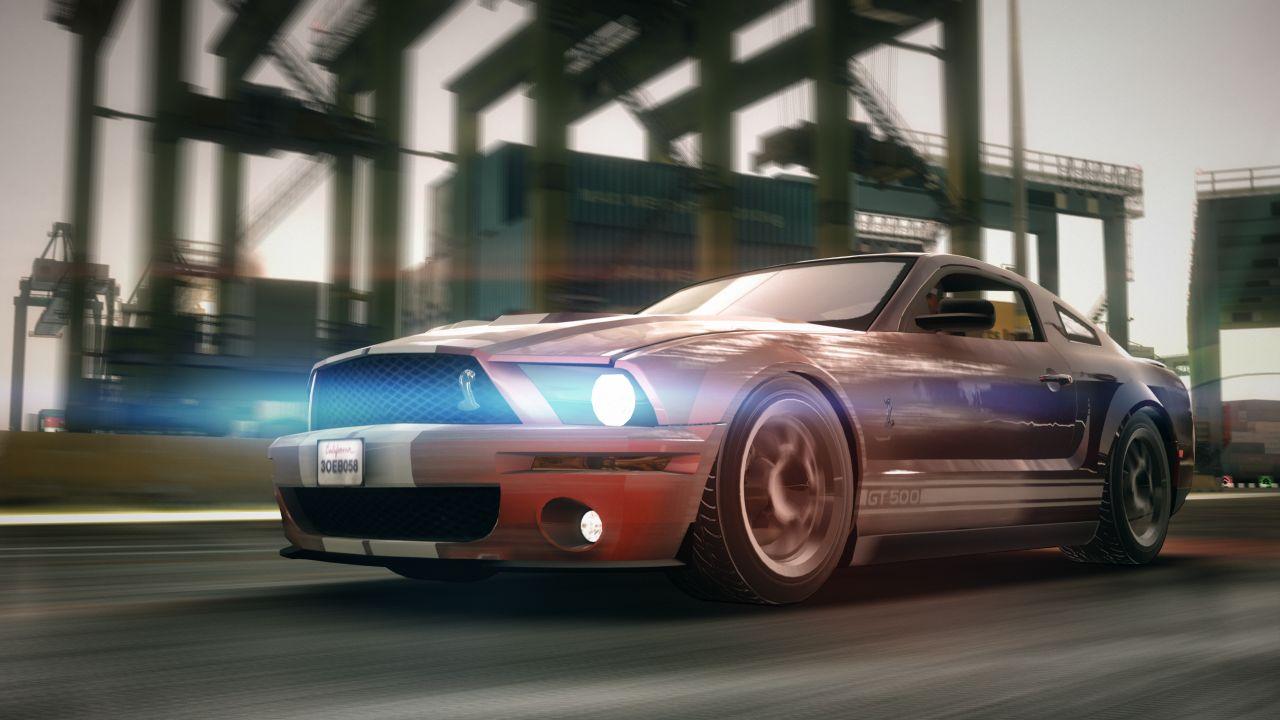
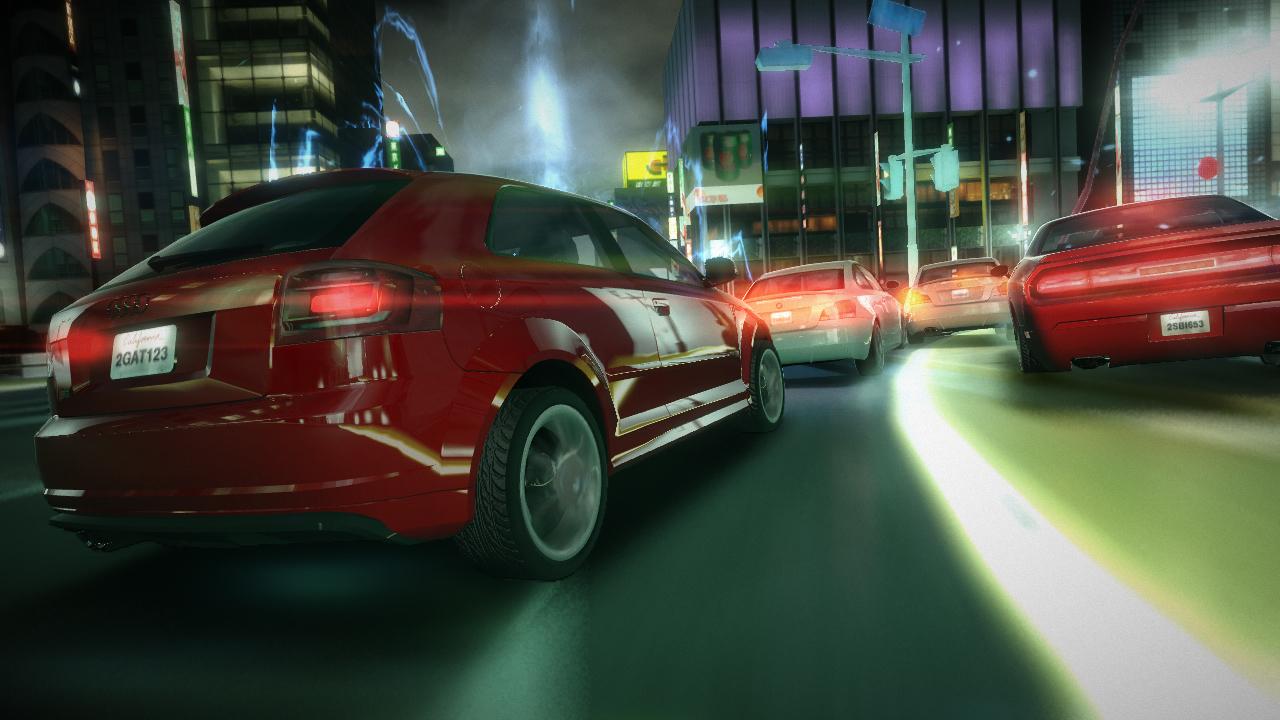
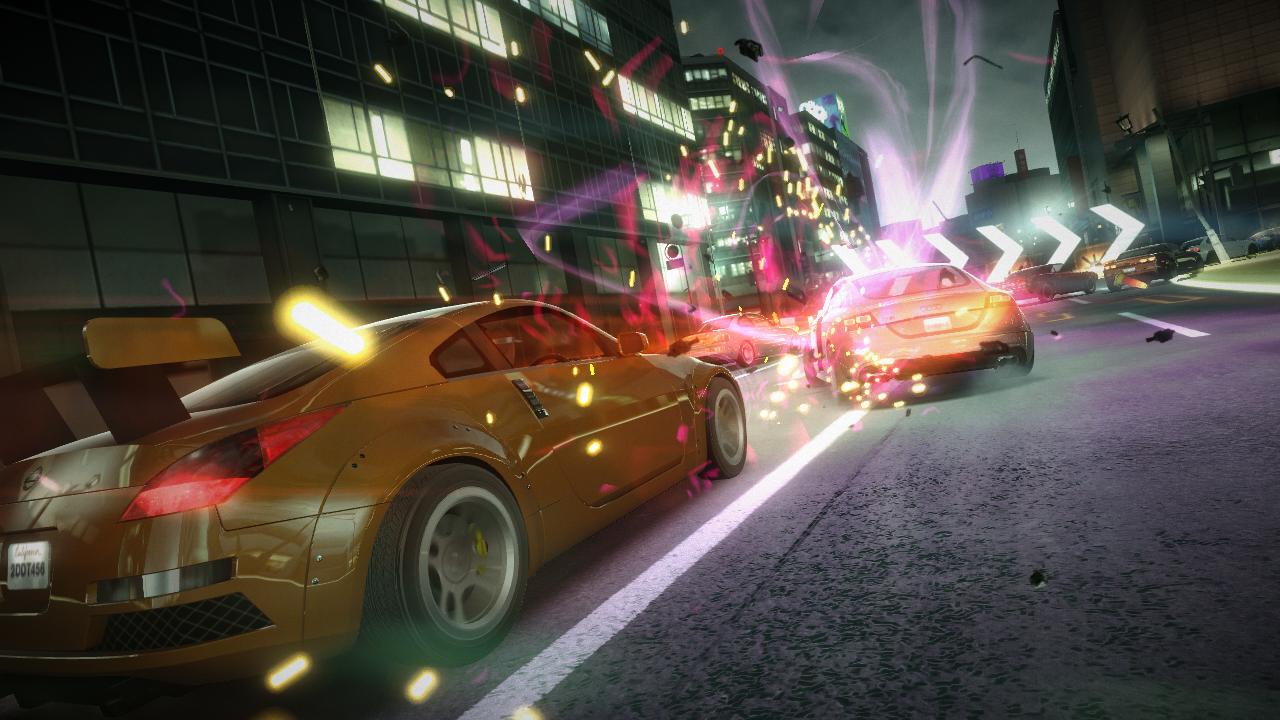
Powered Up Racing! Go beyond just racing and enter the world of Blur. Take on the best as you battle through New York to Barcelona, Tokyo, L.A. and beyond. Power-Ups: Utilize an arsenal of Power-ups like Nitro speed boosts, Shock attacks, defensive Shields, and Mines. Combo Power-ups for devastating attacks and take the fight to your rivals. Real Racing: Real world locations, stunning racing environments and more than 55 licensed photo-realistic cars with advanced damage. Multiplayer: 4 player split-screen, 20 player competitive online and Team racing. Unlock unique Mods to customize and Power-up your Blur experience, stand out and become a legend.
System requirements
Windows
Minimum: OS: Microsoft Windows XP, Windows Vista, Windows 7 Processor: Intel Pentium D Dual Core 3.4ghz or better Memory: 1 GB Ram for Windows XP, 2 GB for Windows Vista or Windows 7 Graphics: 256 MB NVIDIA GeForce 6600GT or better or ATI Radeon 1600XT or better with Shader 3.0 capabilities. DirectX®: Microsoft DirectX 9.0c Hard Drive: 14GB of free hard drive space Sound: 100% DirectX 9.0c compatible sound card Internet: Broadband connection required for Multiplayer Connectivity
Activation details
"Please remember that we are NOT responsible for any problems that may arise from purchasing and using Steam Gifts. You are doing it at your own risk. "Please note, that due to recent Valve Steam Gift policy update Steam Gifts for games that are covered by VAC ban program can no longer be added to Inventory. Make sure that you are logged in to the proper account before entering the link as Steam Gifts can be only added to your library or rejected. How do I use a Steam gift given to me? If you do not already have Steam, download and install Steam here. Once you have Steam installed, you will be prompted to create an account or login to an existing Steam account. If you do not have an account, please create one. You will receive an e-mail containing a link that will open Steam allowing you to redeem your gift. After clicking the link, you will receive a notification at the top right corner in the Steam client informing that you have a new gift.